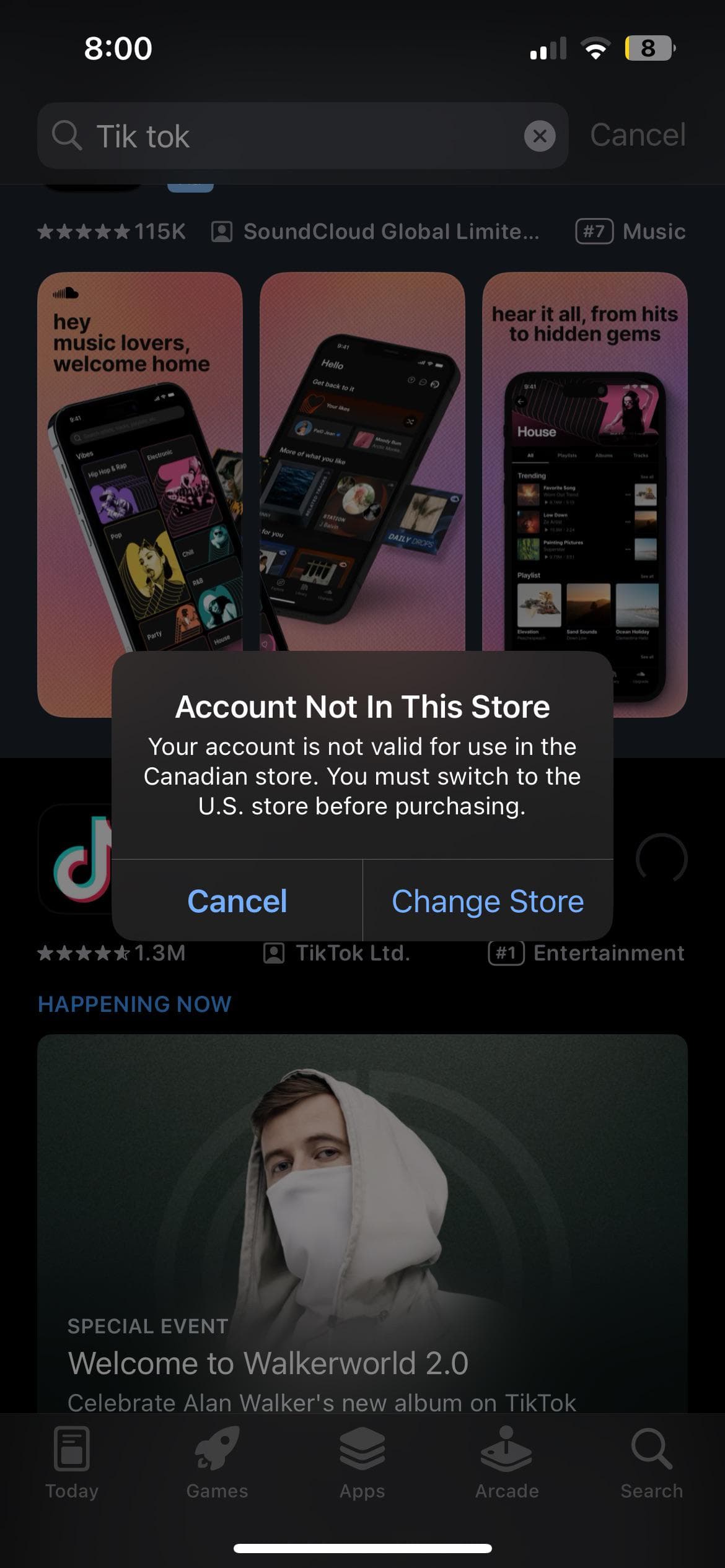
Tried to VPN into Canada to get it back…
Dog what
Dog what
I feel so sorry for the sheep! Never seems to be an issue on Android.
Okay so basically I got this off another guy you have to change your region to canda and have a vpn connected to Canada and go on airplane mode after that turn back on your wifi and still have airplane mode on go into the AppStore search up TikTok BEFORE YOU DOWNLOAD turn of your Wi-Fi make sure it’s circling then turn your Wi-Fi back on for it download hope this helps
 0:33
 1:08

In my settings it says Only Me. And when i go on the heart. I do see the closed eye. But for some reason when im on my profile it shows the open heart? Anyone else?

WHY DO THEY KEEP DOING THIS AI SLOP JEEZ
Is it just me or does it seem like every live creator has their own set of rules for what you can and can’t say because they say it’s against the TOS or it’s not against the TOS mean meaning it’s fucked up that TikTok allows you to say certain things or do certain things on live because you have more followers I guess that’s kind of how YouTube works too, but whatever feels really weird because I won. I can’t say the F word but then on another, I can literally call someone racial slurs and then I get away with it because the TOS likes the person who’s live.